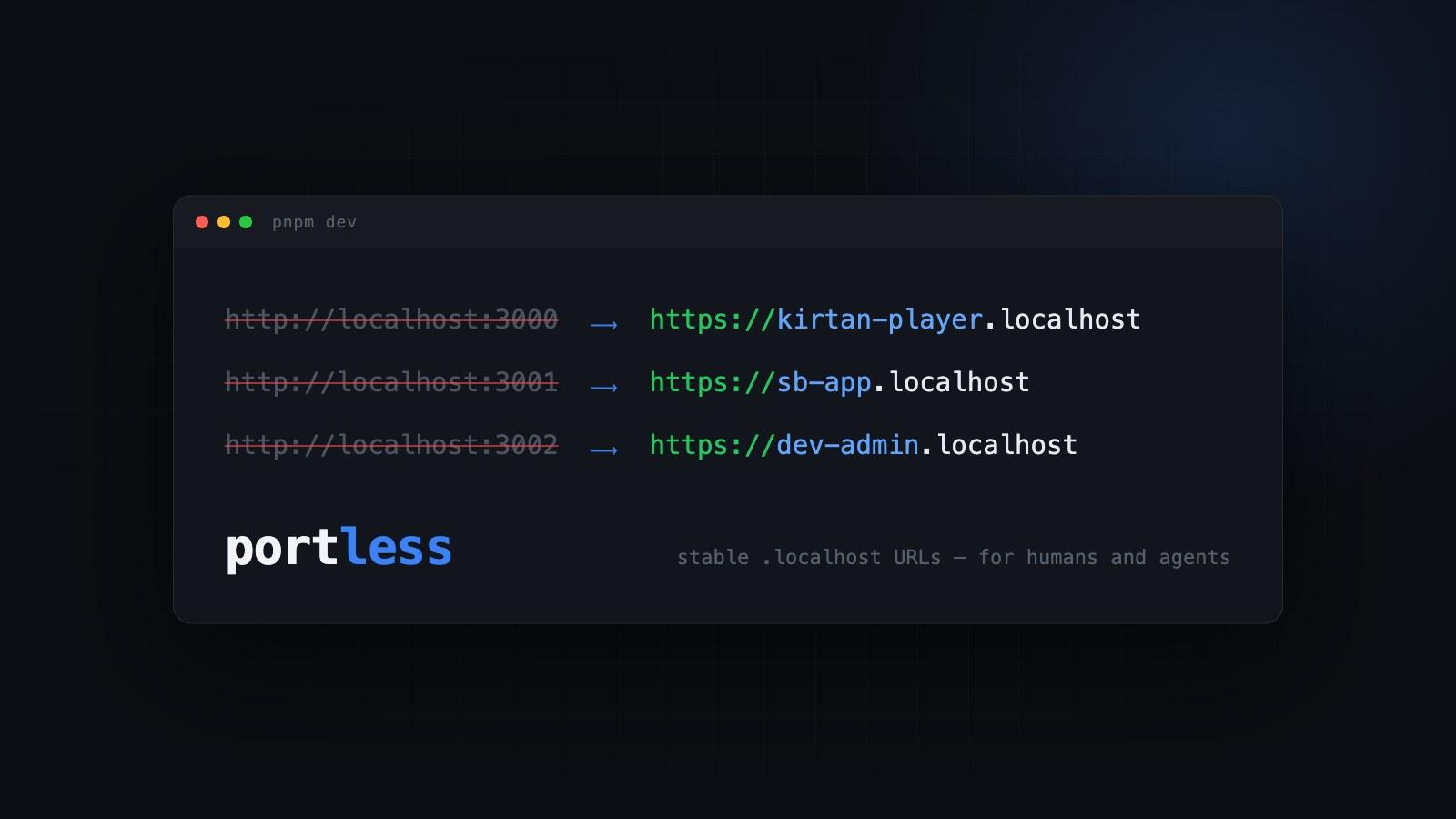
Stable .localhost URLs for Every Dev Server (and Every Worktree) with Portless
How I replaced port numbers with stable, named .localhost URLs across all my monorepos using Portless — including a pattern that gives every Claude Code worktree its own dev URL automatically.
I run several pnpm monorepos on my machine, and each one has multiple apps. The Kirtan Player repo has a public player and an admin workbench. The Scoreboard repo has its app. My notation projects have an app, a web frontend, and an admin. On any given day, three or four dev servers are running at once — and until recently, they all lived at localhost:some-number.
You know how this goes. Was the admin on 3001 or 3002? Did the player grab 3000 before the other repo did? And once I started running parallel Claude Code worktrees, the problem multiplied — every worktree needs its own set of ports, and I was maintaining a port-offset hack just to keep them from colliding.
Portless, a small tool from Vercel Labs, made all of that go away. Its tagline says it well: "Replace port numbers with stable, named .localhost URLs. For humans and agents."
One-line change
Portless wraps your dev command. In each app's package.json, the dev script goes from this:
"dev": "nuxt dev"
to this:
"dev": "portless run --name kirtan-player nuxt dev"
Now pnpm dev prints:
portless

-- Proxy is running
-- kirtan-player.localhost (auto-resolves to 127.0.0.1)
-- Name "kirtan-player" (from --name flag)
-- Using port 4343

  -> https://kirtan-player.localhost
The app is at https://kirtan-player.localhost — every time, on every machine, no matter what else is running. Install it as a dev dependency (pnpm add -D portless) and you're done.
What you get for free
A few things happen behind that one line:
- No more port management. Portless picks a free internal port and passes it to your dev server via the
PORTenv variable (Nuxt, Vite, and Next all respect it). Two repos can both think they own "the dev server" without ever colliding. - No
/etc/hostsediting..localhostnames resolve to loopback by design, and browsers honour that for subdomains too.kirtan-player.localhostjust works. - Local HTTPS with a trusted certificate. Portless runs a local proxy with its own CA, so you get
https://URLs in dev. That matters more than it used to — secure cookies, clipboard APIs, and service workers all behave differently on plainhttp://localhost. If your server-side code fetches its own HTTPS URL, portless already setsNODE_EXTRA_CA_CERTSso Node trusts the certificate. - A stable name you can share. The URL is the same in your terminal, your browser bookmarks, your Playwright scripts, and your teammate's machine.
The monorepo pattern
With multiple apps per repo, give each a name that reads like what it is:
// apps/player/package.json
"dev": "portless run --name kirtan-player nuxt dev"

// apps/admin/package.json
"dev": "portless run --name kirtan-admin nuxt dev"
https://kirtan-player.localhost and https://kirtan-admin.localhost. No cheat sheet required.
The worktree pattern
This is my favourite part. In my notation monorepo, the names are parameterized by an environment variable:
"dev": "portless run --name ${NUXT_ENV_NAME:-dev}-app nuxt dev"
My worktree setup automation sets NUXT_ENV_NAME per worktree. So the main checkout runs at dev-app.localhost, while a Claude Code worktree working on a feature gets its own feature-x-app.localhost — automatically, with zero port juggling.
That post originally described assigning unique port offsets per worktree. Portless makes that whole section obsolete: names never collide, because the proxy hands out internal ports on its own. If you're running two or three Claude Code agents in parallel worktrees, each one can spin up its own dev server and verify its own work in a browser without stepping on the others — which is exactly the "for agents" half of the tagline.
Small print
- The proxy keeps a registry of active routes in
~/.portless/routes.json, and the firstportless runstarts it on demand. There's no daemon to manage. - Your dev command runs unchanged — portless only sets
PORT,HOST, and aPORTLESS_URLenv variable, then proxies the named hostname to it. - The raw
http://127.0.0.1:<port>URL still works if a tool insists on it.
I've rolled this out across every active repo — the notation monorepo, Kirtan Player, and Scoreboard — and dev-server ports are simply not a thing I think about anymore. Highly recommended, especially if AI agents are part of your daily workflow.
Build an app with Laravel5 (backend) and Angularjs (frontend) – Part 2
In this part 2 of the series we will take a look at how we can consume the api that we built in part 1
What Happened When I Measured My Vision Pipeline
I had been saying "roughly 90% accurate" for months without measuring it. The eval showed that effort and model choice both move the result more than I expected, and that one config scored 59.4%, 59.4% and 90.6% on the same page.